What Clients Say?
Here are testimonials from clients.

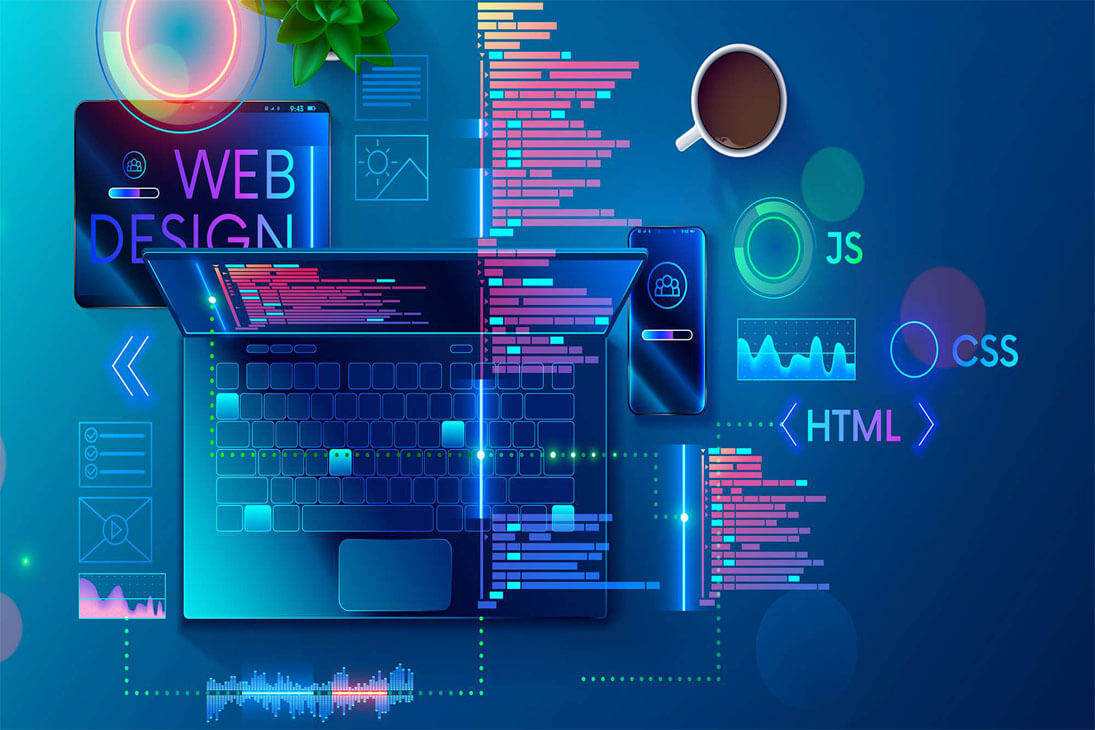
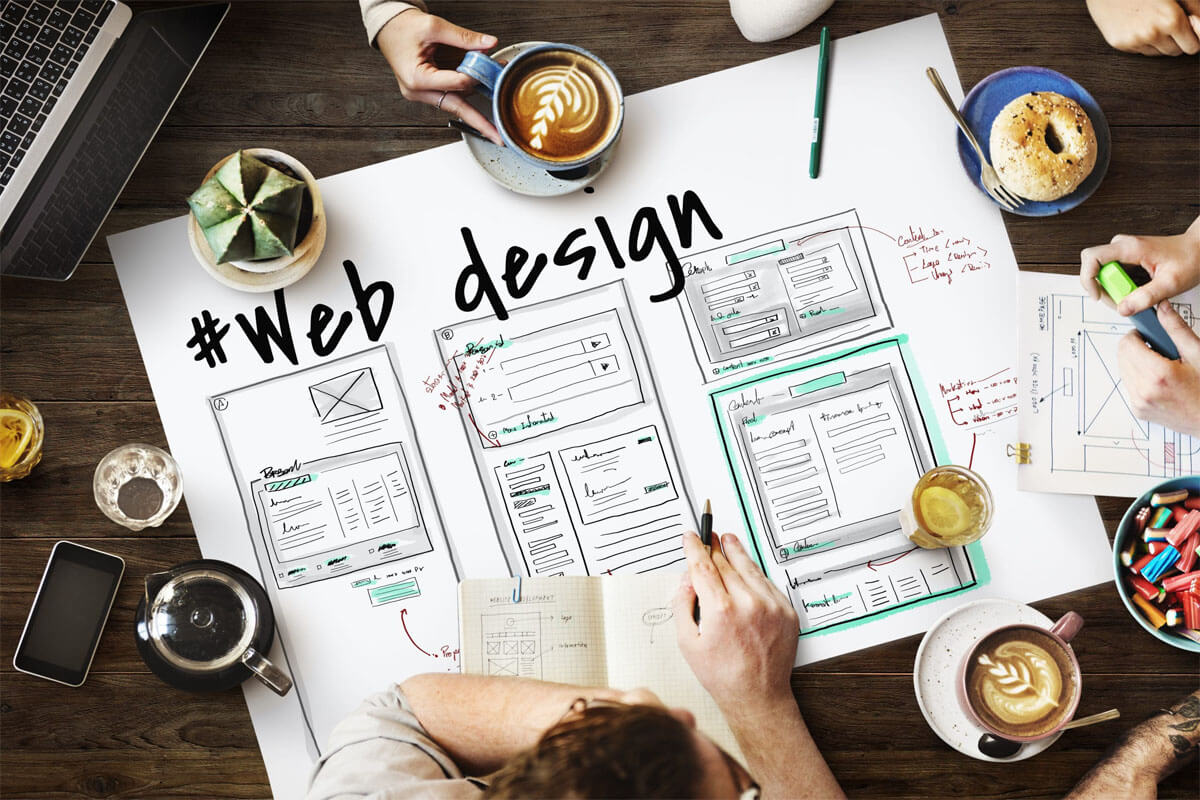
Web design refers to the design of websites. It generally refers to the user experience aspects of web development, rather than software development. Previously, web design focused on designing websites for desktop browsers; however, since the mid-2010s, design for mobile and tablet browsers has become increasingly important.
A web designer works on the appearance, layout, and, in some cases, the content of a website.
Design refers to how information is structured and categorized. A good web design is easy to use, aesthetically appealing, and tailored to the website's user group and brand.
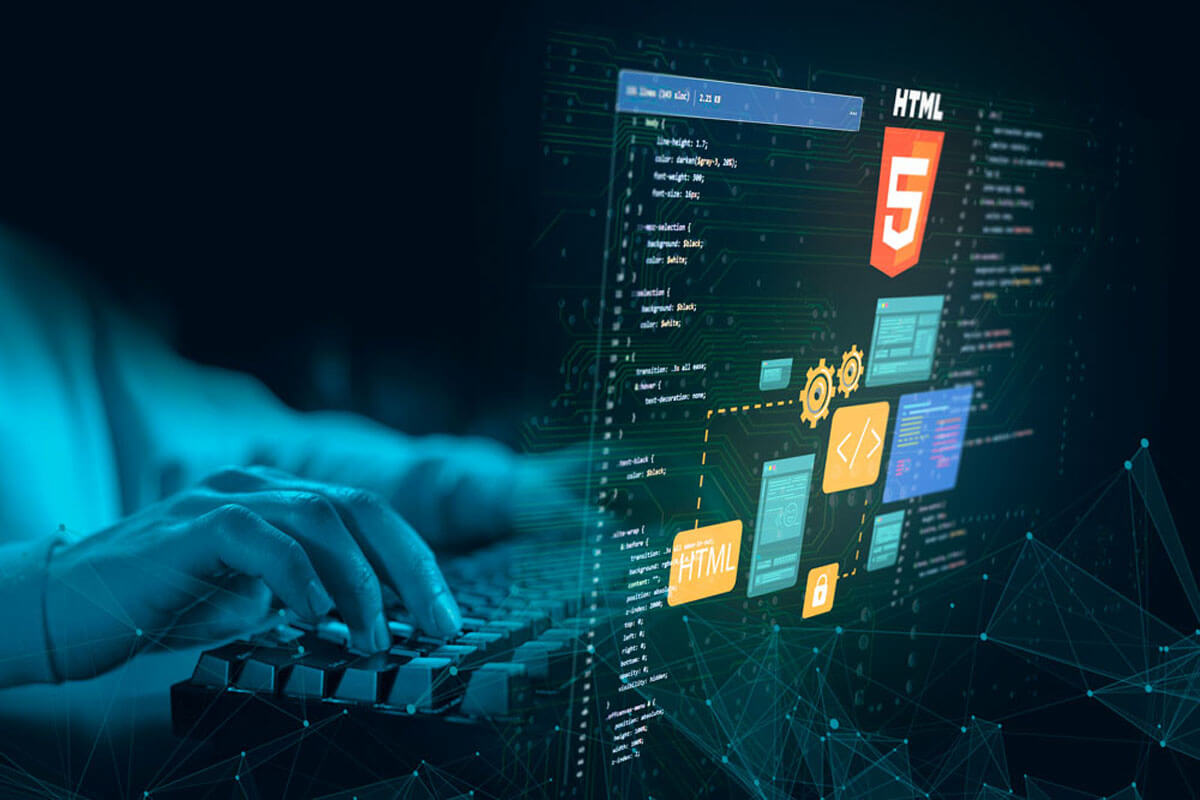
Appearance relates to the colors, typography, and images used.
A well-designed website is simple and communicates clearly to avoid confusion among users. It builds and fosters trust with the target audience, minimizing potential frustration.
Adaptive and responsive design are two common ways to design websites that work well on both desktop and mobile devices.
App design, or UX/UI design, was a priority for us from the very beginning. It's our way of conveying to app users that we're thinking about them, so that the app's visual appearance makes the code behind it appealing. Therefore, app design is an essential step before proper development and must support the entire app's creation process.
What is UX/UI design in mobile apps?
UX/UI design, or mobile app design, consists of structuring the app's navigation based on the solution's list of features and defining the visual guidelines that will be applied to the different elements and screens.
Therefore, it ensures, on the one hand, that the information is well-structured and checks that the app's navigation and functionality flow correctly, ensuring a suitable user experience. On the other hand, it ensures that the app's look and feel is in line with the brand's style guide and is attractive to the intended user.
What does a UX UI designer do?
But how is app design done? We could say that app design goes through a series of phases until reaching the final solution that meets the client's wishes:
In the first phase, the target user who will interact with the app must be studied so that the design adapts to their needs and preferences.
Then, the design system to be implemented is defined based on the project's brand identity, as well as the app's navigation map, defining future screens and the actions associated with them.
Next, we create several versions of the same view with different looks and feels to begin defining the app's UI or user interface design.
Once the client validates the proof of concept, the remaining views are designed, creating the final navigation map with the UX and UI applied, thus completing the interface design.
In graphic design, a pictogram is a simplified and stylized visual representation of an object, concept, or action, designed to be easily recognizable and intuitive to interpret. Pictograms are commonly used in user interfaces, signage, websites, and print materials to convey information quickly and effectively.
Pictograms play a crucial role in communication, providing visual cues that improve content comprehension and facilitate navigation and interaction. They are often used alongside text or as stand-alone elements to represent functions, categories, or features, contributing to the clarity, usability, and aesthetic appeal of designs.
Customized to align with the brand identity, icons will feature the brand’s colors, style, or visual motif, while maintaining clarity and recognition for their intended purpose.
To be effective, icons must be easy to recognize and remember, intuitive, and clear enough to be understood by anyone.
Icons in user interface design serve as visual aids to improve navigation, communicate functionality, and provide feedback to users, improving usability and improving the overall user experience.
Designers create icons by identifying the key attributes and functions to be represented, sketching concepts, refining shapes and details, and testing usability and recognition through user feedback and iteration.
Here are testimonials from clients.




We will contact you in the same day.